
How to Choose the Best Blue Light Protection Glasses for You

blue light protection glasses

In the modern society with a high usage of technological devices, children spend most of their time on screen. People interact with digital screens at work, in transit, during free time, and at home. However, prolonged use of these devices exhibiting the same blue light might affect your eyes by causing strain and fatigue; it also interferes with sleep. Blue light protection glasses are one of the best ways to safeguard the sight. So, how can you choose the best pair for you? Let’s break it down.

Blue Light Protection Glasses: What to Look For

Understand Your Needs

Here, it’s important to know why you may require blue light protection glasses. Are you spending several hours using a computer? Now, do you ever spend time either gaming or watching TV? Various tasks could mean that the display would have to have a stronger blue light filter to reduce glare or smudge protection. Thus, checking your main usage will help you.

Start with an Eye Exam

After that, an eye exam should be planned around the glasses. When it comes to vision, your optometrist figures out what’s wrong and does a quick check for any diseases that might be linked. If you wear glasses, for example, you should use blue light filter glasses along with your prescription glasses. Because of this, there is no need for different pairs after this.

Focus on Lens Features

There is evidence that blue light protection glasses work only if the lenses are of high quality. But most importantly, do not forget to check lenses’ ability to filter a big portion of blue light. Additionally, operational features such as glare-free coating as well as a UV layer help boost the efficiency. Each lens also makes the screen less glare for improved comfort during extended use of the device.

Consider Frame Comfort and Style

Comfort is key when choosing frames. Lightweight materials and body-friendly designs reduce distractions and fatigue. Designer eyeglasses also offer style without compromising functionality.

Compare Prices and Quality

There are both affordable and premium blue light glasses available. For occasional users, basic options may suffice, while premium glasses offer better durability and advanced features. Match your budget to your needs.

The Bottom Line

Thus, picking the right blue light protection glasses is more of a combination of knowing what you want, concentrating on lenses, and not forgetting about comfort. First, determine your vision needs by having an eye test. Then, consider what you would like, for example, stylish designer eyeglasses that not only serve their useful purpose but also look great.

In short, the right pair of investments safeguard your eyes and in turn, make your screen time much more comfortable.
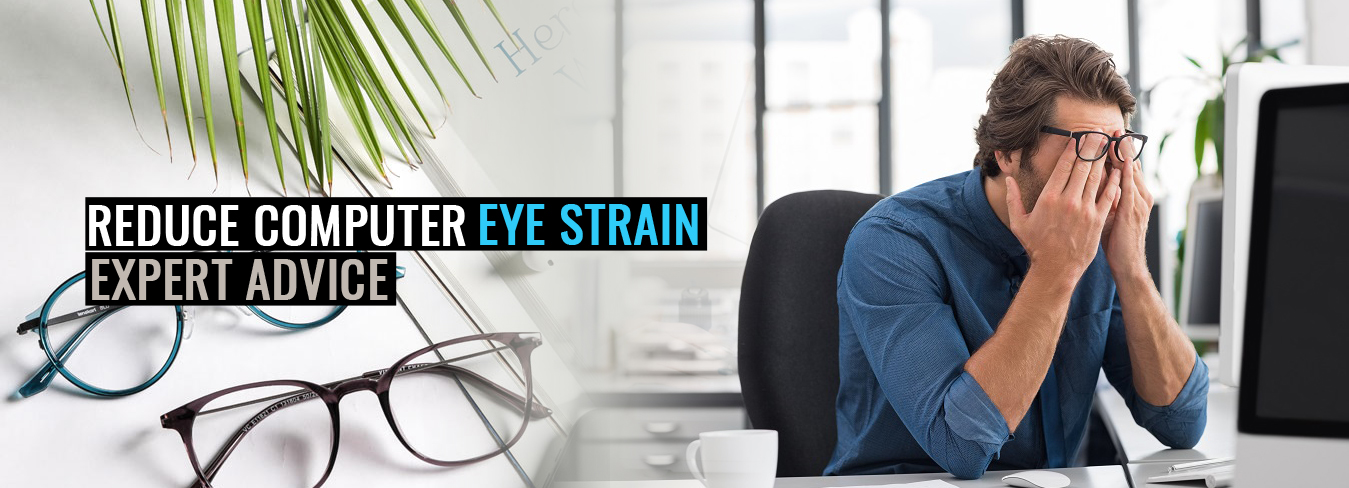
How to Reduce Computer Eye Strain – Expert Advice

Computer Eye Strain Issues

[vc_row][vc_column width=”1/1″][vc_custom_heading text=”How to Reduce Computer Eye Strain – Expert Advice” use_theme_fonts=”yes”][vc_column_text]Staring at a computer screen for extended periods might harm your eyes and worsen dry eye problems. Unfortunately, computer eye strain is also becoming a typical occurrence, and almost every day, gazing at a computer screen for extended periods causes eyes to feel tired, dry, and irritated. Utilize the tips below to reduce eye strain when using your computer. To enjoy clear vision, make an effort to maintain an eye-healthy lifestyle.[/vc_column_text][vc_custom_heading text=”Give a break to the eyes:” font_container=”tag:h3|text_align:left” use_theme_fonts=”yes”][vc_column_text]Throughout the day, frequently rest your eyes

Despite having optimal workstations and displays, people nevertheless experience digital eye strain. Take regular pauses from gazing at devices to rest your eyes. One method is to adhere to the 20-20-20 rule:

  • Take a  20-minute pause.
  • Observe anything physical that is at least 20 feet away.
  • Spend 20 seconds concentrating on that item.

Additionally, every couple of hours you use your computer or another gadget, take a 15-minute break. Consequently, if you spend much time in front of a computer at work, try to reduce your screen time at home. Take regular breaks—your eyes will be grateful! Blinking gives your eyes a little break—speaking of regular breaks.[/vc_column_text][us_image image=”7825″ size=”full” align=”center”][vc_custom_heading text=”Properly place the computer:” font_container=”tag:h3|text_align:left” use_theme_fonts=”yes”][vc_column_text]Elevate your monitor if necessary

Place the computer screen’s center five to nine inches below the line of sight to maximize eye comfort. Indeed, in a perfect world, you would aim your sight directly over the computer screen.[/vc_column_text][us_image image=”7839″ size=”full” align=”center”][vc_custom_heading text=”Blink necessary:” font_container=”tag:h3|text_align:left” use_theme_fonts=”yes”][vc_column_text]Remember to blink frequently!

An average person blinks 15 times every minute. By distributing tears, blinking keeps eyes moist. But, regrettably, people don’t blink nearly enough while we gaze at computers.

To keep your eyes well-lubricated, try to blink normally and think about using artificial tears as a supplement. Dry eyes are also brought on by not blinking.

Give your eyes a break if you wear contact lenses because they can contribute to dry eyes. For some individuals, maintaining eye health behaviors like blinking and taking breaks can significantly reduce computer eye strain. Many patients, nevertheless, also require medical attention.[/vc_column_text][us_separator][vc_column_text]In brief, many of the measures above may be taken with little investment of time or money. You’ll feel less discomfort from dry eyes if you make more of an effort to safeguard your eyes.

If the problem lasts long, visit an optometrist today.[/vc_column_text][/vc_column][/vc_row]